Ingresa a tu cuenta grupoeducar
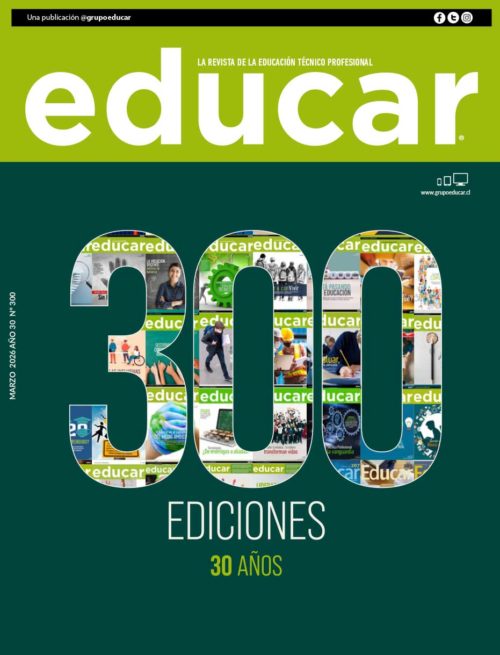
Mar 2026 - Edición 300
300 ediciones - 30 años
Suscríbete a nuestra revista y podrás leer el contenido exclusivo online
Regístrate y accede a la revista
Suscríbete a nuestra revista y podrás leer el contenido exclusivo online
Regístrate y accede a la revistaThe Download Agent (DA) file is a specialized binary file required for MediaTek (MTK) chipset-powered devices. It authorizes communication between the device and flash tools, enabling the flashing process to proceed without being blocked by Secure Boot restrictions. Tecno Pop 6 Go (BE6) Purpose: Secure Boot Bypass, Unlock, Firmware Flashing. Top 3 Trusted Sources for Tecno BE6 DA File Download (2026)
Open SP Flash Tool or your preferred MTK servicing program on your computer.
For the "Tecno BE6," ensure the DA file is version-matched to the phone's chipset (likely Helio G-series). Using a generic MTK DA file will fail. The most useful feature of the correct "top" (latest/protected) DA file is enabling 100% preloader/brom mode communication for advanced repairs. tecno be6 da file top
October 26, 2023 Topic: Download Agent (DA) Files and Secure Boot Analysis for TECNO BE6
For Tecno Pop 6 Go (model BE6) users and technicians, encountering security restrictions when flashing or repairing the device is common. The is an essential tool designed to bypass these security measures, allowing for tasks such as removing FRP, unlocking, or firmware flashing. The Download Agent (DA) file is a specialized
In the context of your search for a "top" file, you are likely looking for a that is specifically engineered to bypass the MediaTek Secure Boot authentication. A "top" or functional DA file allows the technician to:
If you’re serious about Tecno Be6 repairs, keep a verified in your toolkit. Top 3 Trusted Sources for Tecno BE6 DA
Navigate to the tab. Click on the Choose button next to the Download Agent field. Select your newly downloaded custom MTK_AllInOne_DA_SP.bin or device-specific Tecno BE6 DA file. Step 4: Import the Scatter File
: Modern MediaTek devices often feature "Secure Boot," which prevents unauthorized software from interacting with the hardware. A custom DA file allows flashing tools to bypass this security and gain write access to the device.
system, a standard DA file may not work without an accompanying authentication (.auth) file. Key Resources for Firmware and DA Files: You can find the necessary flashing files on platforms like RomProvider or specialized mobile repair forums. Tool Compatibility: These files are typically used with SP Flash Tool to repair bricked devices or update software. FRP Bypass:
Revisa nuestro contenido en todas las plataformas desde un teléfono hasta nuestra revista en papel.

Mantengamos la conversación, búscanos en twitter como @grupoEducar
Tweets by grupoEducarIngresa a nuestra comunidad en Facebook y profundicemos el debate.